A free app for Android, by BetterLife Technology.

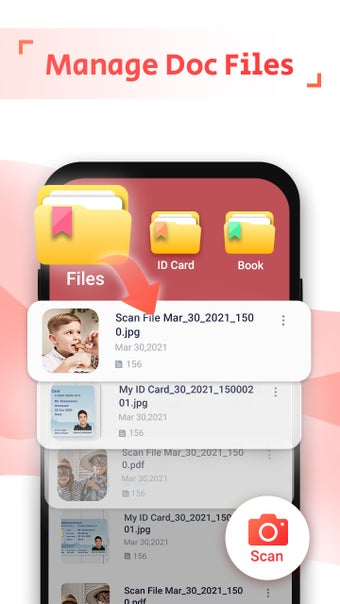
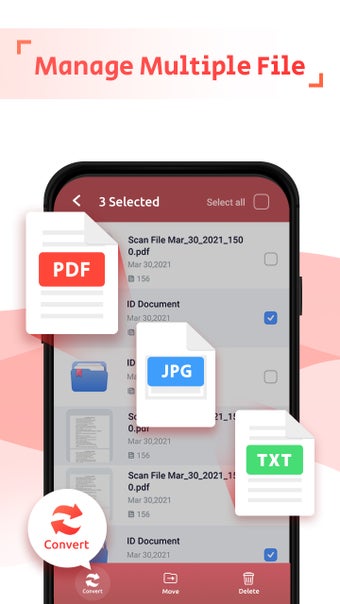
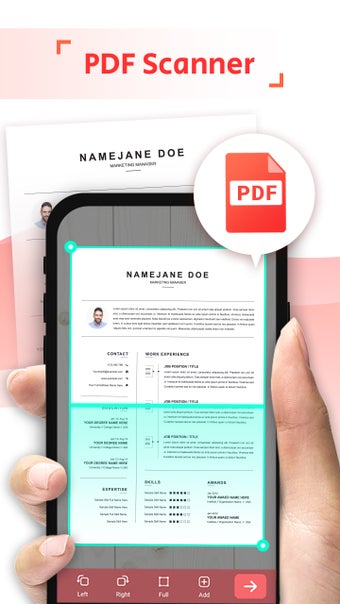
Our free app allows you to create PDFs from almost anything. With this, you can save your documents in digital form, making it easier to read them later.

Top Recommended Alternative
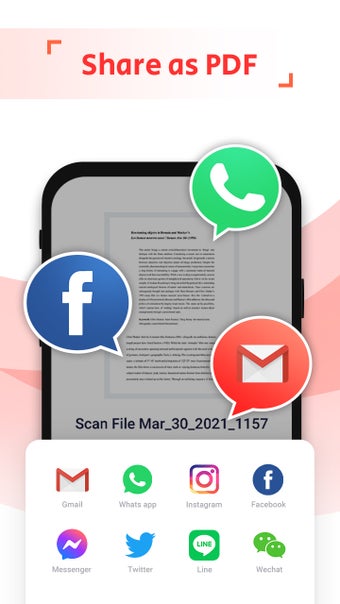
Once you have your document scanned, you can use it to create PDFs or even to send to others via email, messenger, or any other platform.

The best part is, that you don't have to do anything else. This app will take care of the rest, and you can even preview your files before saving them.

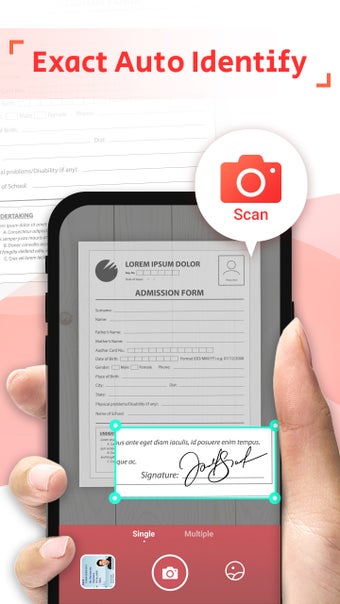
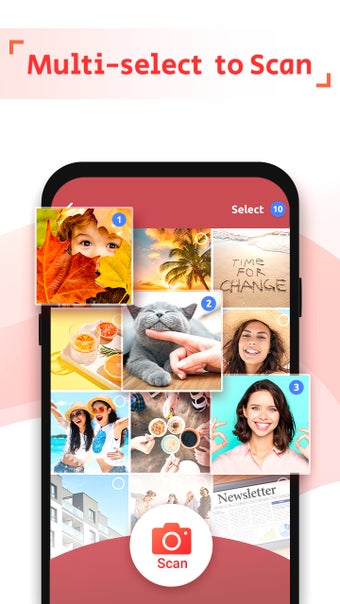
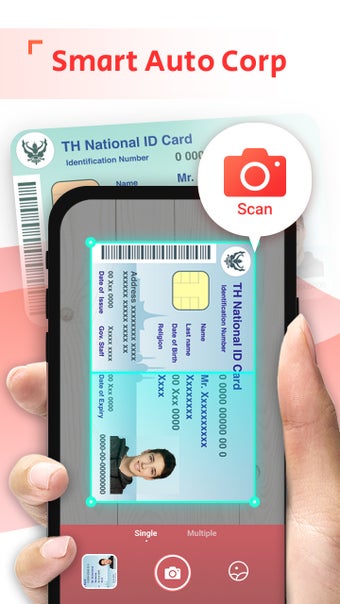
To create a PDF from your document, you just need to choose a camera, select the document, and click "Scan" button. This app also has an "Open in new window" option, which allows you to open your document in a separate window.

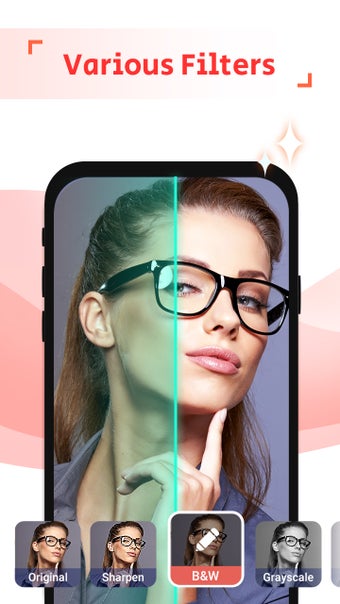
If you want to make sure that your PDF is clean, you can apply some filters to it. To do that, just click "Filters" button and select the one you want.

You can also use this app to convert PDFs to JPGs or JPEGs. To do that, select "Convert" button and choose the format you want.
 0/8

App specs

  • License

    Free

  • Version

    2.1
  • Latest update

  • Platform

    Android

  • OS

    Android 15.0

  • Language

    English

    Available languages

    • English
    • German
    • Hindi
    • Norwegian
    • Russian
    • Finnish
    • French
    • Chinese
    • Swedish
    • Chinese
    • Portuguese
    • Greek
    • Italian
    • Spanish
    • Czech
    • Japanese
    • Polish
    • Danish
    • Dutch
    • Turkish
    • Korean
  • Downloads

    385

    Last month's downloads

    • 7
  • Size

    52.84 MB

  • Developer

  • Download Options

    APK, Google Play

  • Filename

    pdf.scanner.pdf.reader.image.scan_2.1.xapk

Program available in other languages


User reviews about PDF Scanner: OCR PDF Converter

Have you tried PDF Scanner: OCR PDF Converter? Be the first to leave your opinion!

Add review

You may also like

Explore Apps

Latest articles

Laws concerning the use of this software vary from country to country. We do not encourage or condone the use of this program if it is in violation of these laws.
Softonic

Is PDF Scanner: OCR PDF Converter safe?

100/100

Score result: Clean

This file passed a comprehensive security scan using VirusTotal technology. It is safe to download.

  • Virus free
  • Spyware free
  • Malware free
  • Verified by Security Partners

    VirusTotal logo

Scan Info

Last scan
Sunday, March 15, 2026
Scan provider
VirusTotal · Full report

File Integrity

File
pdf.scanner.pdf.reader.image.scan_2.1.xapk
SHA256
268fbf3d3093c2a5874b74fdb0c89639b7aa93be29bba669468ab82524db4f6b
SHA1
c01f79bc65177d8dff55e69d2f034985c5447b5e

Softonic security commitment

PDF Scanner: OCR PDF Converter has been thoroughly scanned by our advanced security systems and verified by industry-leading partners. This file comes from the official developer and has passed all our security checks, showing no signs of viruses, malware, or spyware. For more information, visit our Security and Trust Center